
IMFASHA / Documentation
Clear information before you install.
Read setup, backup, synchronization and commercial-document guidance. Verify every release before installing it.
Install IMFASHA on Windows
- Check Windows 11 x64 and version 2.4.0 on the downloads page. Compare the installer SHA256 with the checksum listed there.
- Back up your business data before upgrading an existing installation.
- Get the installer from that page. Keep Windows security protections enabled.
- Open IMFASHA and confirm the correct business and license before using it.
Offline work and what syncs
On Windows, sales and stock work can continue locally without internet. When your devices reconnect, check that the expected records have synced. Owner Portal reports show records received online, not transactions still on an offline device. Sync does not replace a backup.
Back up and restore business data
- On the device holding the records, use the backup option available in your installed IMFASHA version.
- Save the
.rposrecoverybackup file to a separate, protected location. - Confirm the backup file exists before changing or upgrading the installation.
- Before restoring, make another backup of the data currently on the target device.
- Use the recovery procedure for your installed IMFASHA version. Never overwrite live business data until the correct backup and recovery path have been checked.
Commercial documents and taxation
A quotation or proforma states proposed values; it does not prove payment. A sales receipt refers to a posted sale. A collection acknowledgment records money received. These commercial documents are not certified RRA EBM fiscal invoices.
Glossary
- Enrollment
- Registering a device to connect it to the right business.
- Posted sale
- A completed sale saved in the business records.
- EBM
- Electronic Billing Machine: the approved fiscal invoicing system. A regular sales receipt is not an EBM tax invoice.
Owner Portal: insight from synchronized records
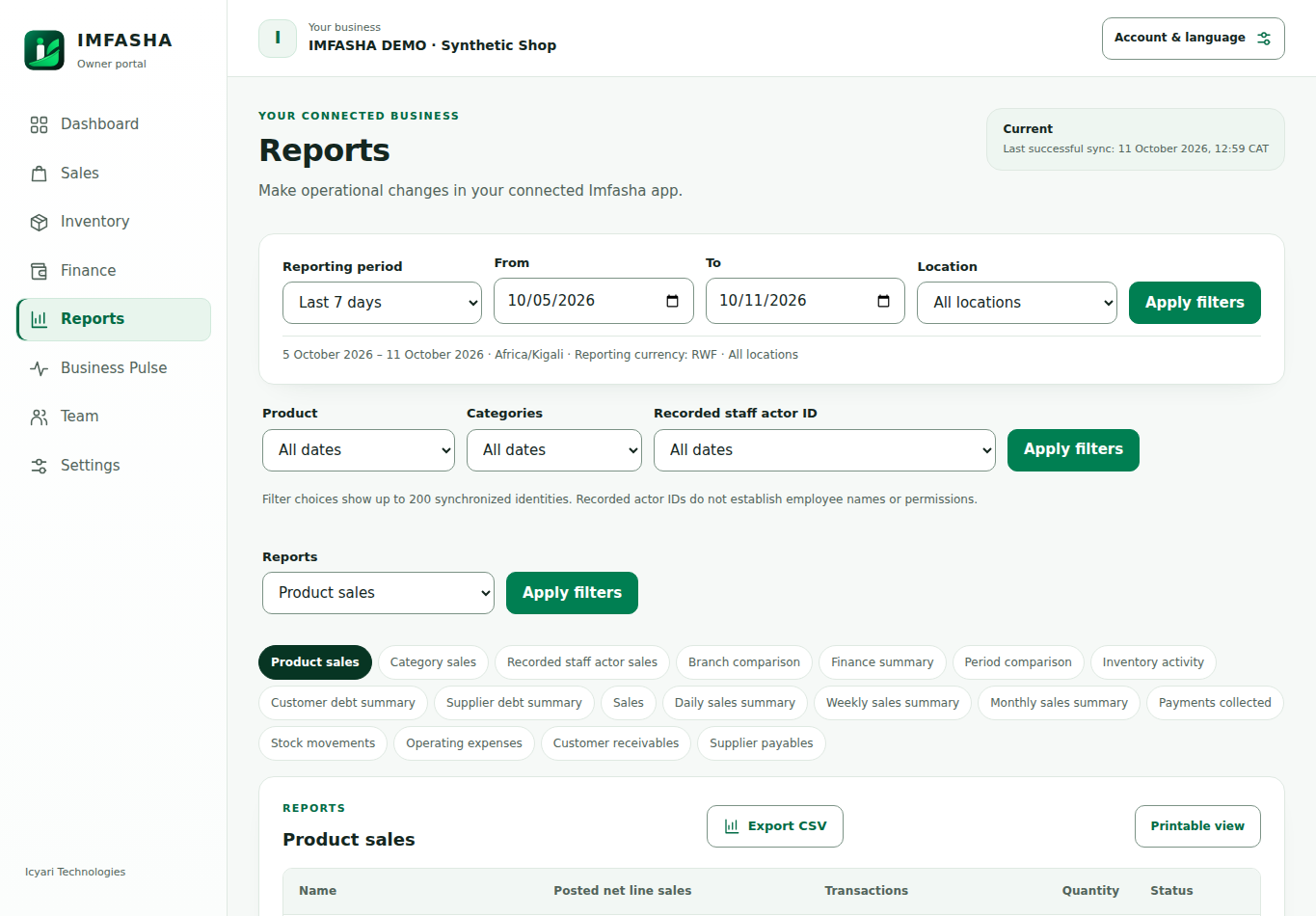
Sign in with your established business account through the Owner Portal. Use the business, branch, dates and currency shown on the report.
- Sales and profit use synchronized records. Sale payments, credit collections and supplier payments are separate measures.
- Select dates and branches; supported reports also filter products, categories or recorded actors. Check the last successful sync time.
- Inspect exact figures in the tables. Complete reports support CSV and print views; incomplete coverage is identified.
- Business Buddy explains synchronized facts and points to the relevant report.
- Requests to supporting devices require local Owner review and approval. Current price, record version, permissions and expiry are checked before application.
IMFASHA 2.4.0 release status
IMFASHA 2.4.0 is available for Windows 11 x64. Check the SHA-256 listed on the download page, back up your data and confirm your license before installation. This installer has no trusted publisher signature, so Windows may show a security notice. The separate Android application is in release verification; no public Android download is approved.
Check download status →Help with an existing installation
Message support on WhatsApp: +250 788 313 916. Share your version and steps to reproduce the issue. Never share passwords or recovery codes.
Support email: support@icyaritech.com