
Choose how you work.
Retail, Café and Hybrid are licensed desktop modes. Purchasing, trading and tender workflows are enabled according to configuration and authorization.
IMFASHA / YOUR BUSINESS COMPANION
Sell, track inventory and keep your records moving from Windows—online or offline. When your devices synchronize, the Owner Portal brings sales, profit and outstanding balances into focus. Built for the realities of everyday business.
IMFASHA 2.4.0 · Windows 11 x64 · Android in testing
Retail, Café and Hybrid are licensed desktop modes. Purchasing, trading and tender workflows are enabled according to configuration and authorization.
Keep recording sales and stock on your Windows computer when the internet drops. Your local work stays on that device until it syncs.
Connect your devices when online. Sign in to the Owner Portal to review records that have synced.
Owner Portal / Connected insight
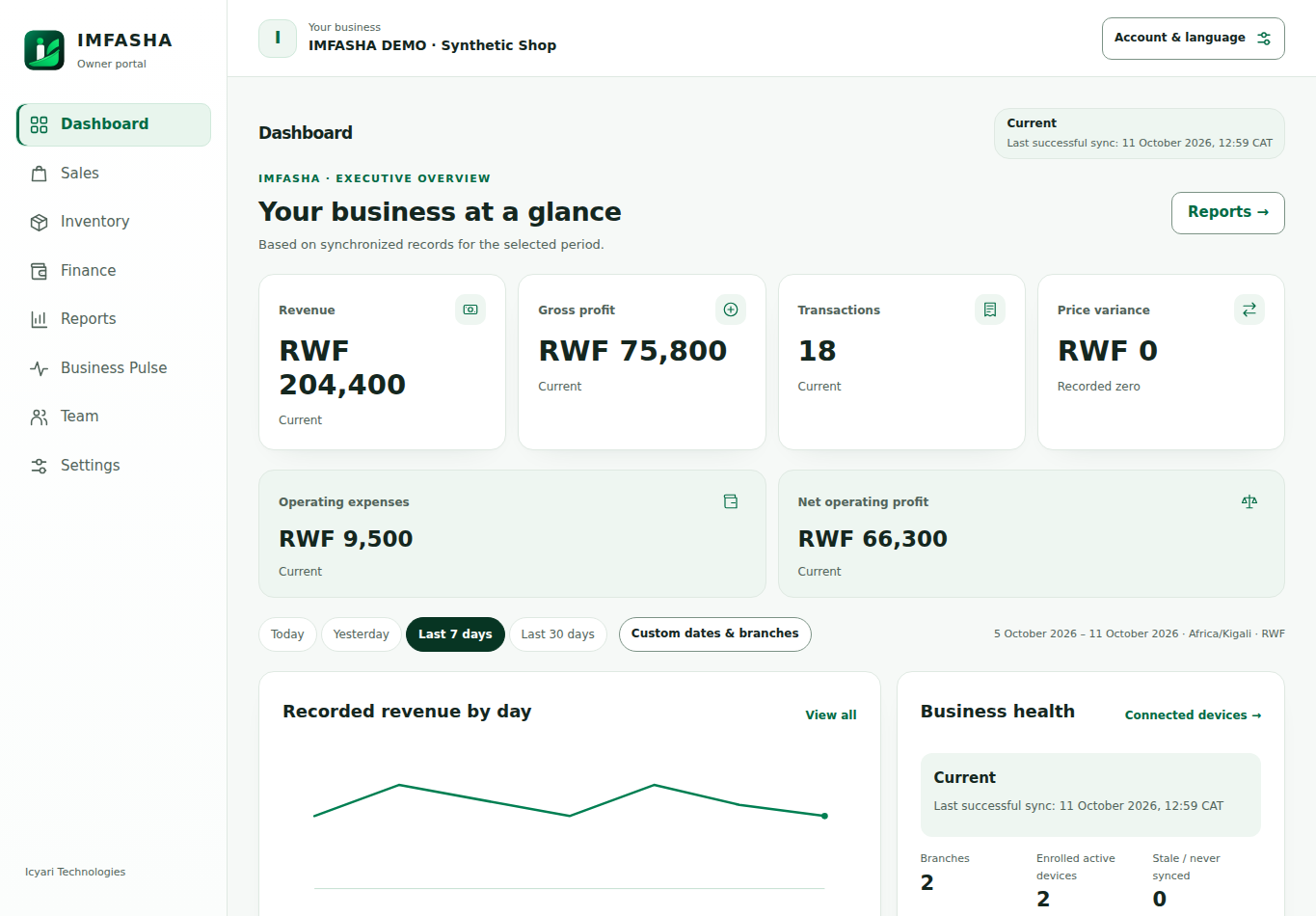
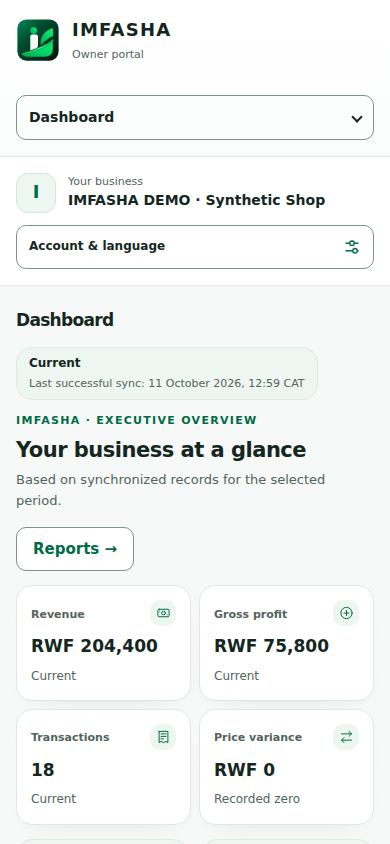
Actual Owner Portal screens, in English and Kinyarwanda. Every example uses reconciled synthetic data. Your reports update after records sync.
Choose a feature to see how the connected records look in practice. The images below come from a real browser capture of a synthetic demo business.
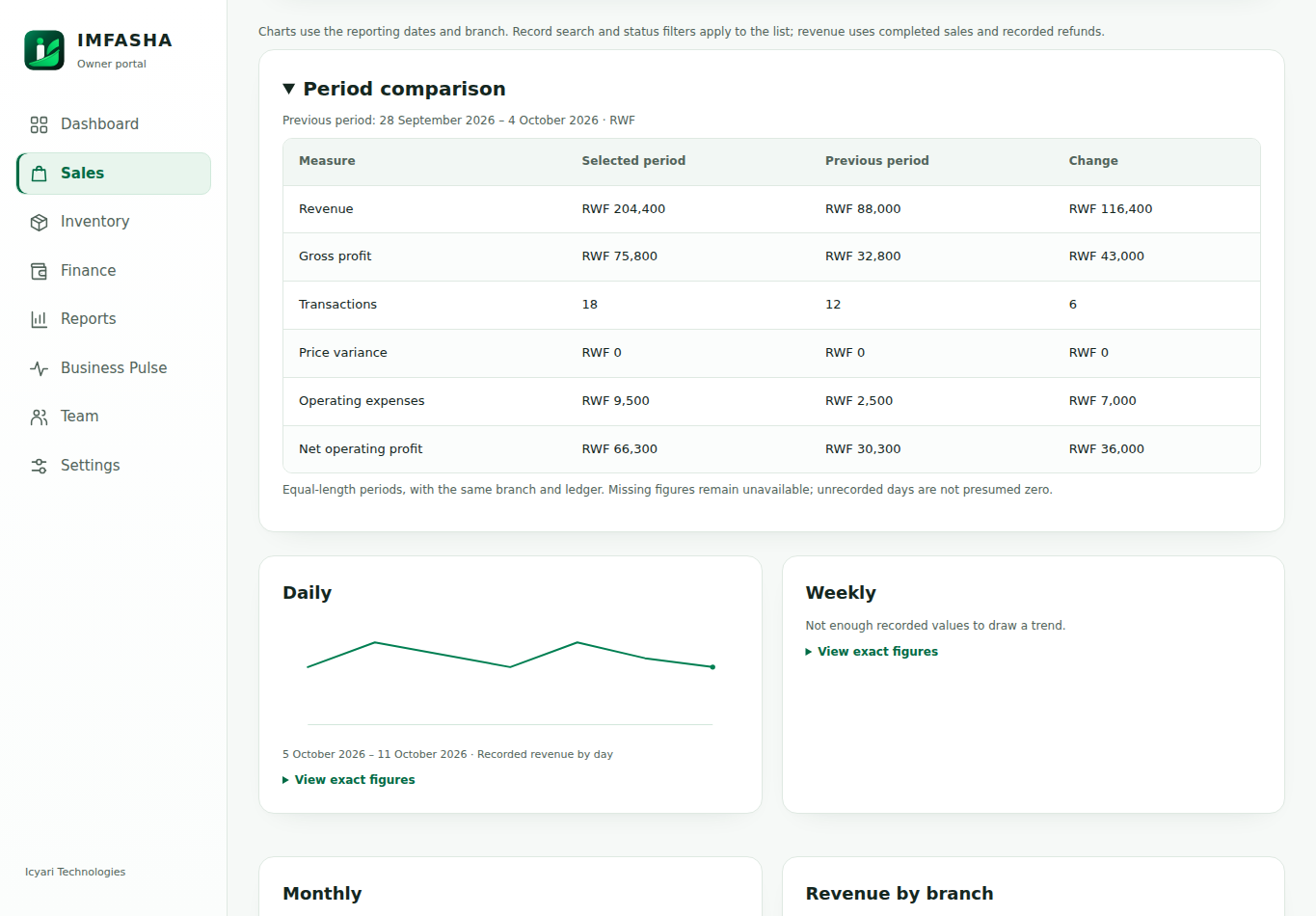
Follow recorded revenue and compare periods.
Compare equal periods, follow recorded daily revenue and explore branch performance. Gaps and short histories remain visible.
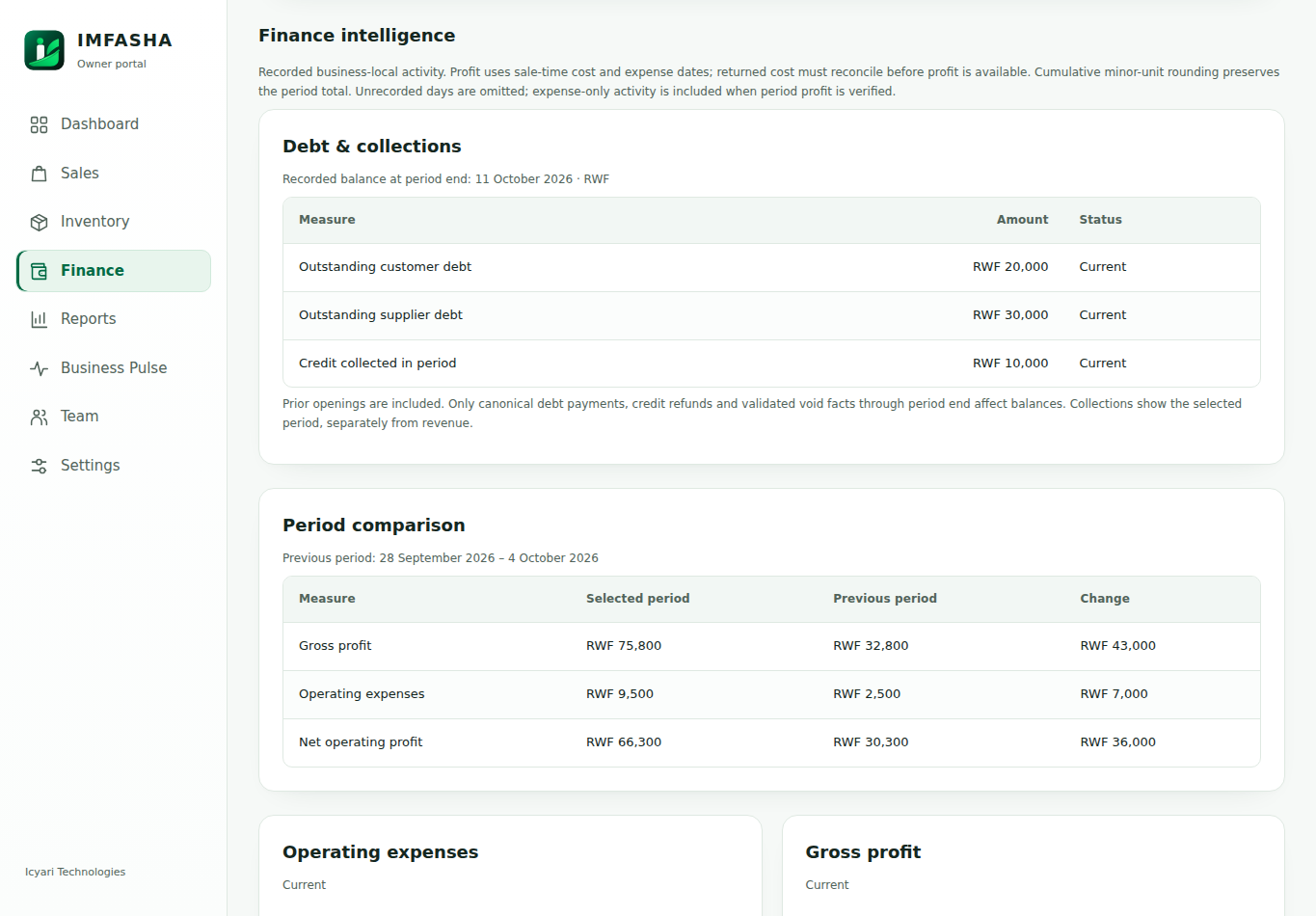
Review profit, recorded payments, customer credit and supplier debt. Each measure stays tied to its own records.
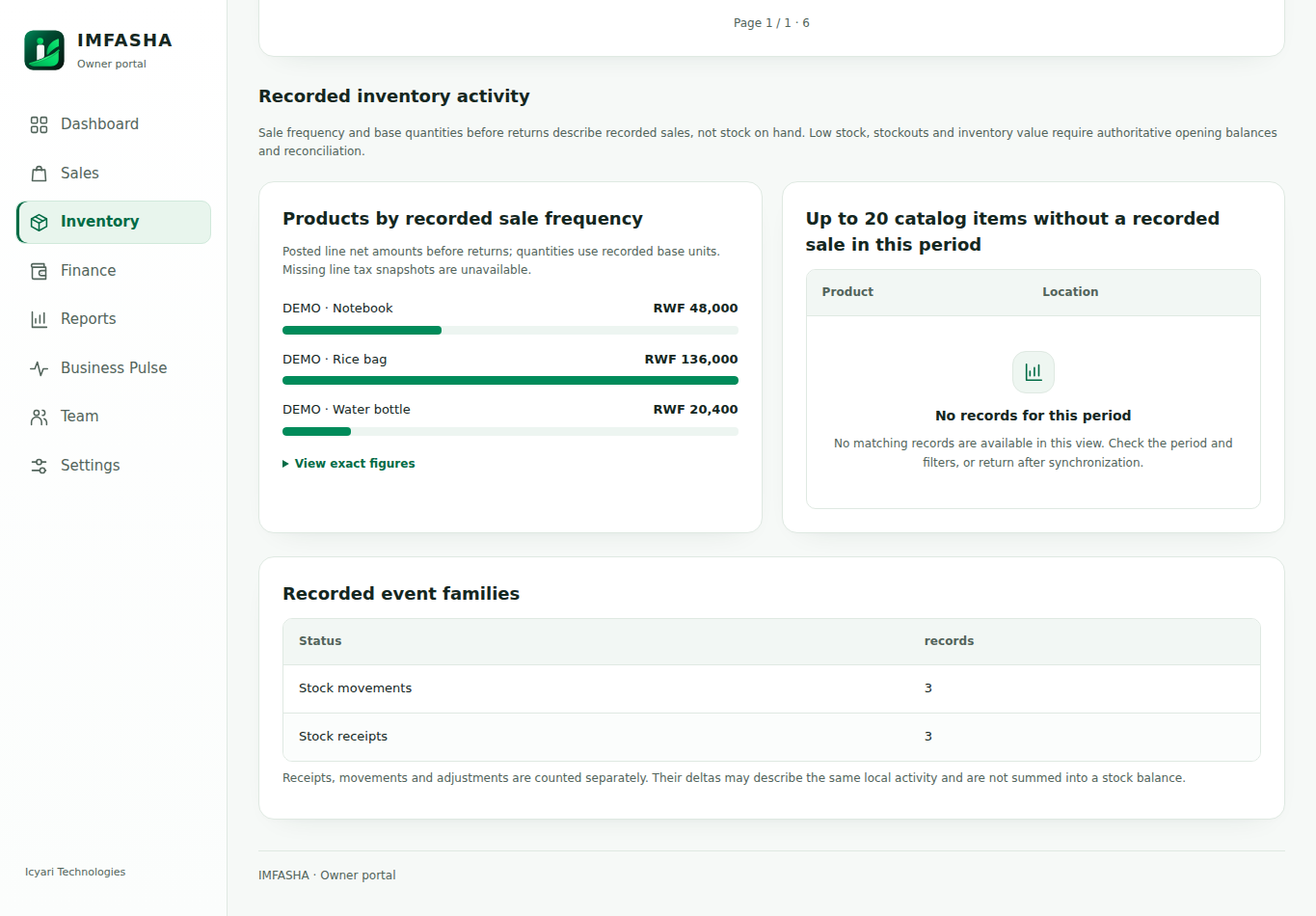
See product performance and recorded stock movements. Authoritative on-hand quantities require a supported stock snapshot.
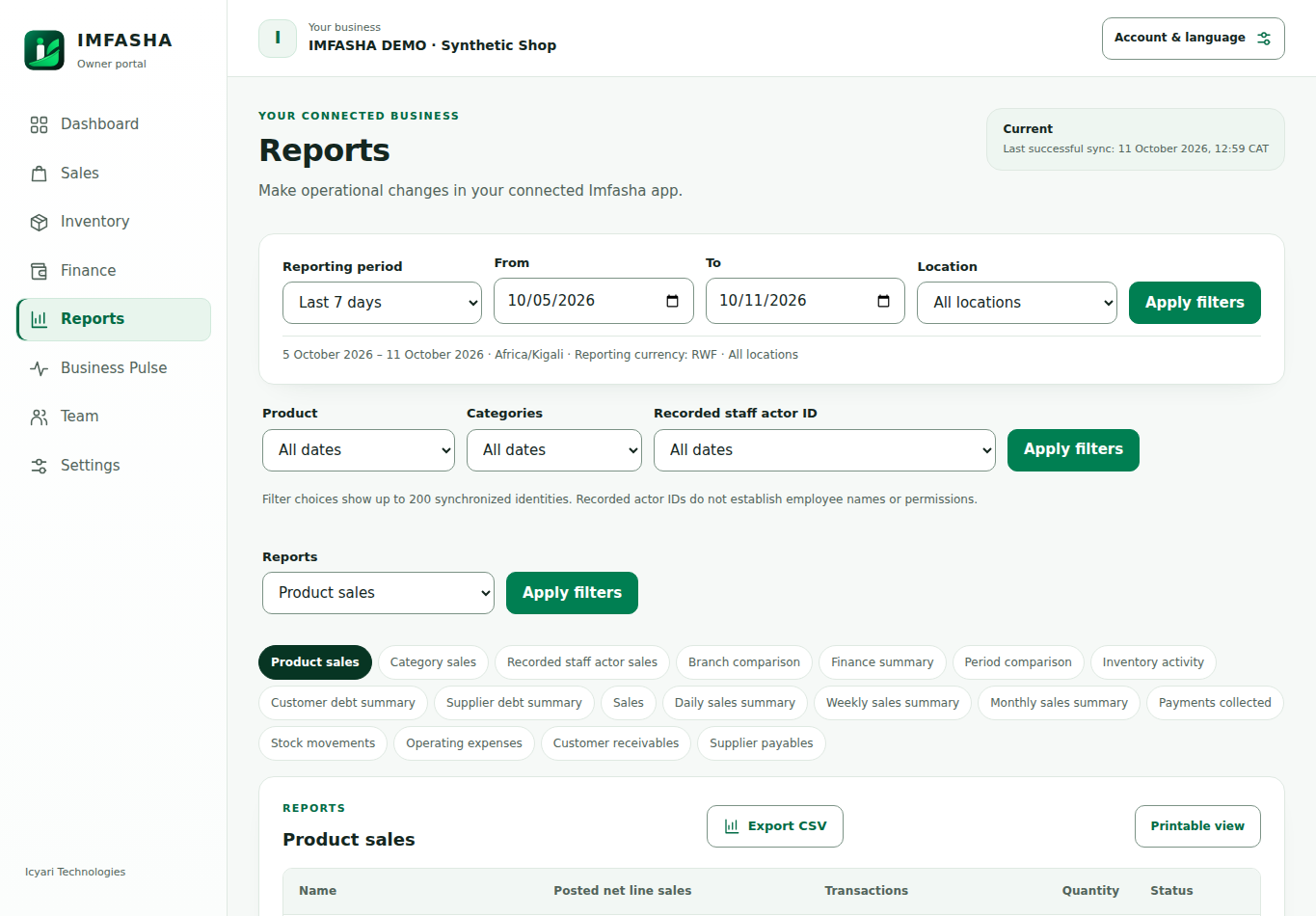
Filter by dates, branch and product. Inspect exact rows, export complete CSV reports or use the print view.
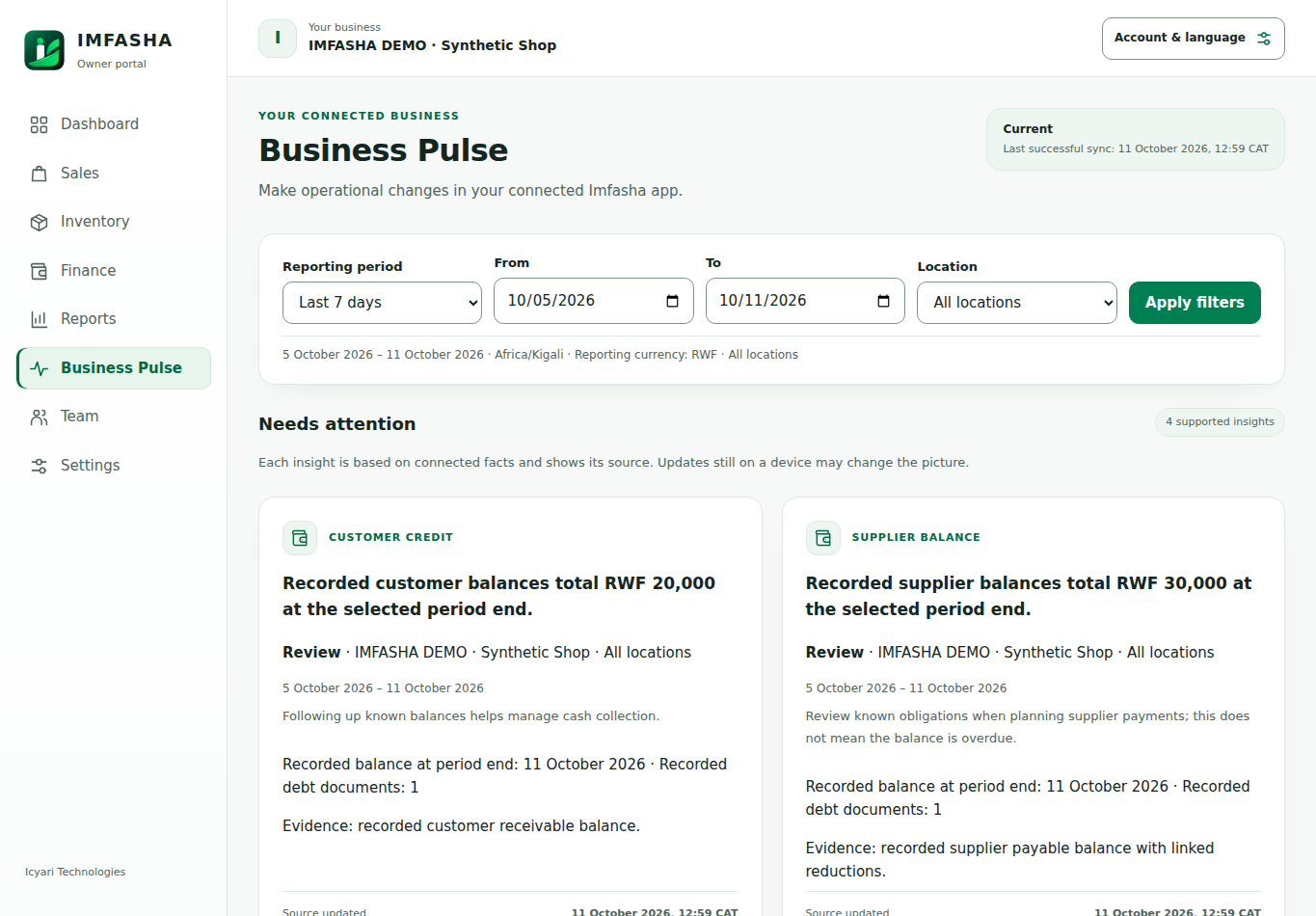
Check the health of your synchronized records. Business Buddy explains the facts and links to the relevant report.
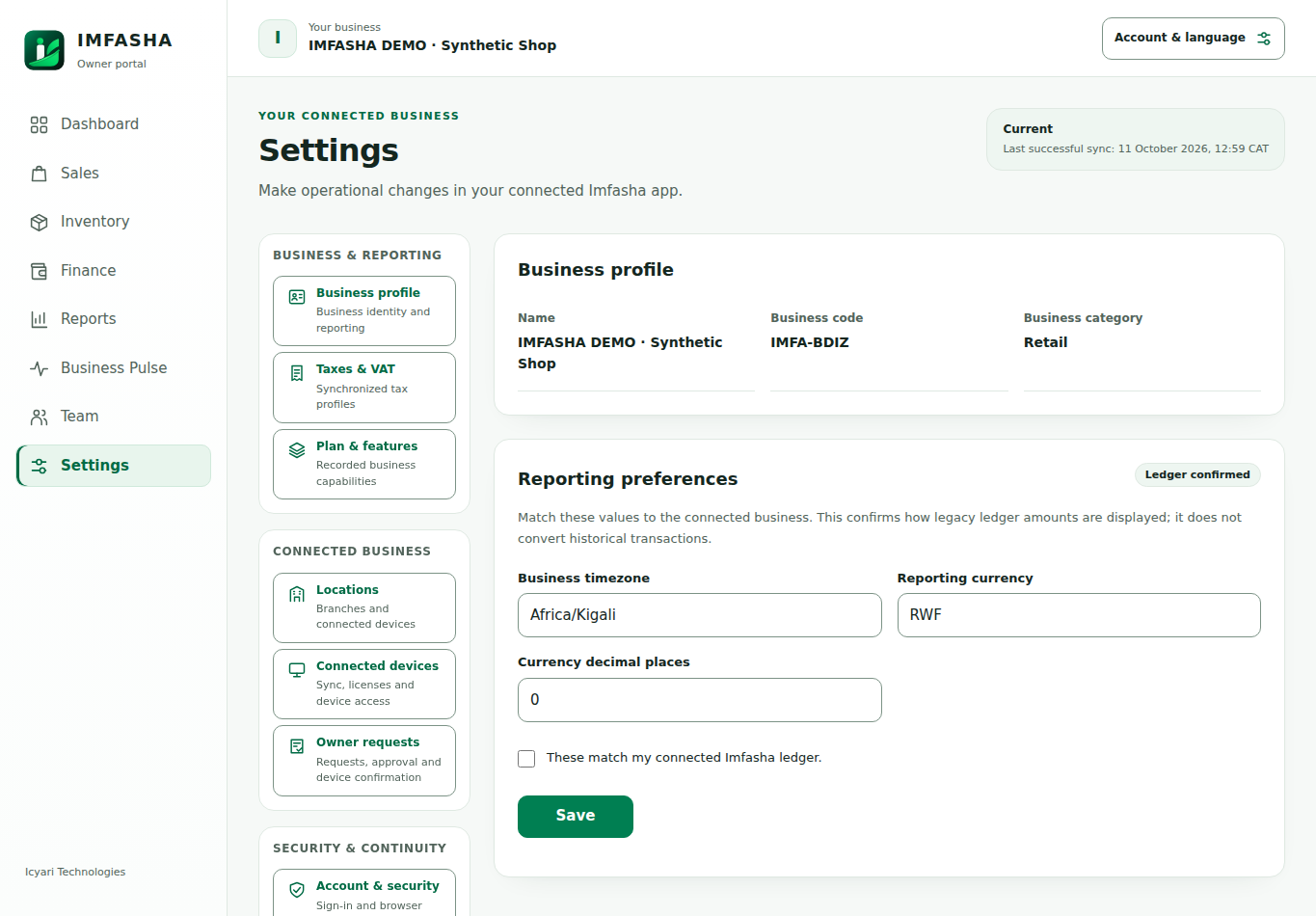
Review branches, devices, language and business time. Requests sent to supporting devices require a local Owner’s approval.
Sales, inventory, credit and reports follow your chosen edition. Configure team permissions and keep regular backups.
Purchasing, multi-currency trading and tender workflows depend on the licensed capabilities and business configuration.
On a supporting device, a local Owner reviews each price, stock or staff request. The current records and permissions must pass validation before it applies.
01 / Features
Purpose-built modules support practical business workflows. Exact scope varies by edition, platform and rollout configuration.
Keep selling from your Windows checkout when the internet drops.
Track products, movements and stock records in the configured business.
See revenue, gross profit and transactions in clear reports.
Bring records from your business devices together when online.
Track buying and selling in RWF, USD and CNY for trading workflows.
Prepare quotations and manage tender activity when those capabilities are licensed and enabled.
Record approved credit sales, balances and payment collections.
Scheduled summaries for your edition and protected owner access to synchronized information.
02 / Business categories
Choose the business area that fits your work. During setup, IMFASHA records your category and specific activity. We help you confirm the right available workflows.
Choose a business to see example activities, then request a tailored demo.
General trading & tenders; Wholesale & distribution; Import & export; Construction supplies; Food & FMCG supplies; Office & IT supplies.
Supermarket; Mini market; General shop; Electronics; Fashion & clothing.
Consulting; ICT services; Cleaning services; Repair & maintenance; Security services.
Consumer goods; Food processing; Packaging; Textile & garments.
Medical supplies; Clinic services; Pharmacy retail.
Delivery & courier; Freight & logistics; Fleet services.
Software & IT; Devices & accessories; Telecom services.
A business category describes your sector; an operating model controls the available workflows. Available models depend on your license and configuration.
Sell and manage stock with purchasing and other business workflows according to your licensed edition.
Organize ingredients, prepared menu items and sales where the food-service operating model is enabled.
Handle stocked goods alongside prepared menu items when the licensed operating model supports both.
03 / Operating models
On Windows, IMFASHA adapts to retail, food service or both. Your license and setup determine the tools available to your team.
Configured workflows
Purchasing and suppliers · Multiple currencies · Quotations and tenders · Staff policies · Connected devices · Owner reporting
Your business category describes what you do. Your operating model and license determine how IMFASHA works for you. We confirm the available features before installation.
04 / Platforms
Each surface serves a different job. Feature parity and device support are verified for each release.
Manage sales, products, purchases and the tender tools included in your edition. Your Windows work continues offline.
Windows 11 x64 · IMFASHA 2.4.0 is available
Bring IMFASHA workflows to your phone. The Android app is undergoing separate product validation. No public release is approved yet.
Android · Verification pending
Authorized business owners sign in securely to review information synchronized from your devices. Unsynchronized work will not appear until it reaches the service.
05 / How it works
Confirm your business workflows, equipment and required modules.
Set up your business, team roles and devices with onboarding assistance.
Keep selling offline on Windows, then see updated owner reports after synchronization.
06 / Documentation
Learn how to install IMFASHA, protect your data and see updated reports.
Download IMFASHA 2.4.0 for Windows 11 x64
Coming soon
SHA256 · Compatibility · Release notes
07 / Frequently asked questions
Yes. Supported Windows sales and stock workflows continue locally when connectivity drops. Connected reporting updates after synchronization.
During onboarding, choose a suggested category and subcategory or enter your own. Available workflows depend on your operating model and licensed edition.
Yes, with the appropriate business and device licenses. Connected devices can synchronize when internet access returns.
The Owner Portal gives you access to synchronized business records, reports and available financial insights.
Yes. User roles determine which operations and business information each employee can access.
Use recorded sales, stock and financial reports available for your edition and access level.
Yes. Email sales@icyaritech.com to discuss a demo, installation and staff onboarding.
Email support@icyaritech.com or message +250 788 313 916 on WhatsApp. Never share passwords or recovery codes.
08 / Support
Tell us your version and what happened. Never share passwords or recovery codes.
IMFASHA 2.4.0 for Windows